Designing with Canva Alphabet & Numbers Frame a-Z
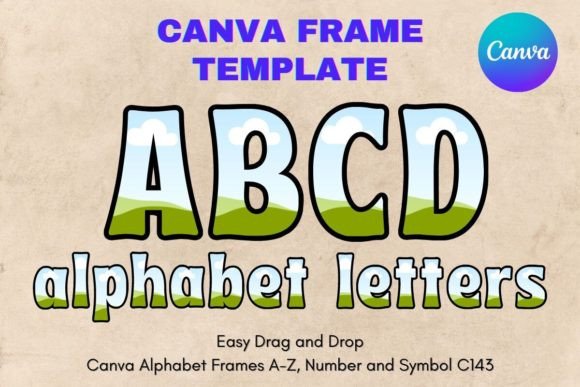
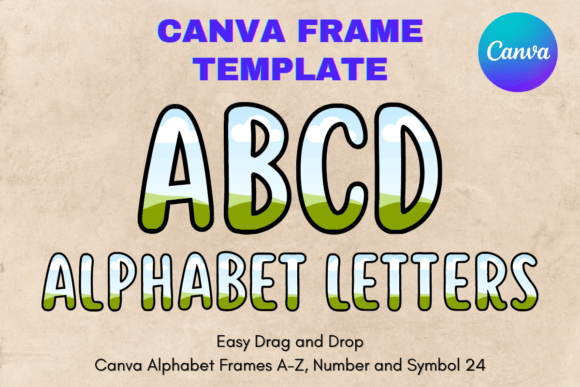
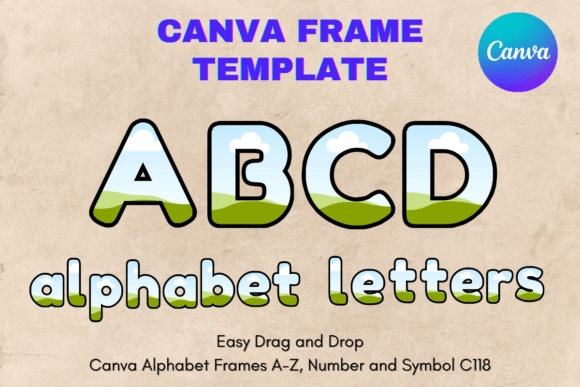
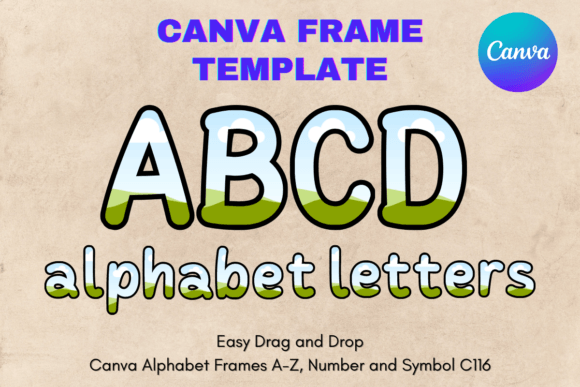
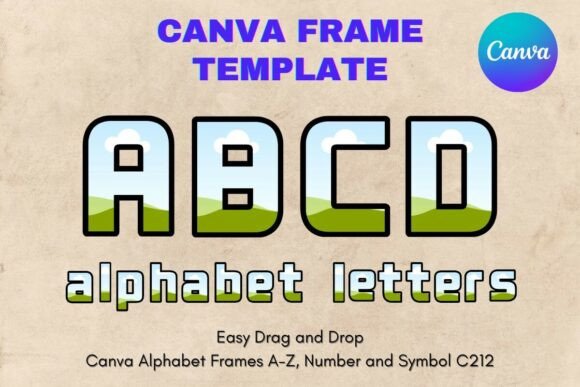
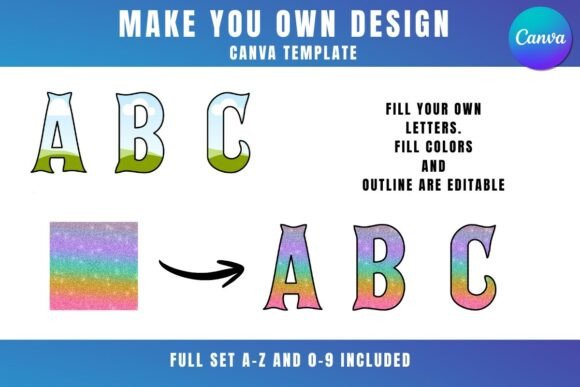
There's a certain magic in seeing a plain photograph suddenly feel intentional, polished, and complete. Often, that transformation comes from a simple framing device. The Canva Alphabet & Numbers Frame a-Z is a collection of design assets built for this exact purpose. It’s not a traditional typeface, but a set of letter and number-shaped templates that act as containers for your own images. Think of them as creative masks where you can drag and drop any PNG or JPG background—be it a texture, a landscape, or a brand color—to fill the shape of an A, a B, a 3, or a 9.
The visual character of these frames is clean, bold, and versatile. They are designed to be a neutral yet strong foundation. The style leans towards modern typography, with clear, sans-serif-inspired forms that prioritize legibility and impact. This isn't a script font or a handwritten font; it’s a structured, display-oriented system. The personality is one of confidence and clarity, making it suitable for projects where the message needs to be front and center. The appeal lies in its directness—it gives you the power to create custom lettered graphics without needing advanced software skills.
Where These Frames Make an Impact
The applications for the Canva Alphabet & Numbers Frame a-Z stretch across a surprising range of projects. For logo design and brand identity, they offer a quick way to craft monograms or initial-based logos. Imagine a boutique using a filled "B" with a marble texture, or a coffee shop with a "C" filled with coffee beans. This approach instantly builds a brand identity that feels tactile and customized.
In editorial design and publishing, these frames are perfect for creating standout drop caps for chapter openings, bold pull quotes for magazines, or distinctive section headers in reports and ebooks. For web design and social media graphics, they are a game-changer. Use them to create eye-catching hero images for blog posts, unique profile picture frames, or animated social posts where the background inside the letter changes. The ability to drag and drop makes iterating through options incredibly fast.
Small business owners and marketers will find them invaluable for packaging design and promotional materials. A number frame filled with a product image can create a compelling "Top 10" list graphic for a sale. Letter frames can be used to spell out sale words like "SALE" or "NEW" with relevant images inside. For personal projects, crafters and hobbyists can design custom monogram prints, personalized birthday banners, or unique wedding signage.
Practical Guidance for Using the Frames
Getting started with these templates is straightforward, but a few practical tips will ensure your projects turn out well. First, accessing them requires a free Canva account. You can click the provided link to open the template library and start editing immediately. The core functionality—dragging and dropping your background images into the frames—works on any Canva plan.
A critical consideration is the final output. To download your design with a transparent background, you’ll need Canva Pro or a higher-tier subscription. This is essential if you plan to layer the letter graphics over other elements in your design. Without Pro, you can still download with a solid color background, which works for many social media and print applications.
When choosing which frames to use, consider the context. A single, large initial works well for a hero image. Spelling out a short word requires planning the visual flow and ensuring the images inside each letter complement each other. For font pairing, these frames work best with clean, simple typefaces. Since the frames themselves are display elements, pair them with a straightforward sans serif font or a serif font for body text to maintain visual hierarchy and readability.
Remember, this is a digital product exclusively for use within Canva. The templates are not compatible with SVG files or cutting machine software like Cricut or Silhouette. They are designed as design assets for the Canva environment. By understanding their specific use case, you can leverage them to add a layer of professionalism and creative flair to your work, enhancing audience engagement through distinctive and memorable visuals.